Showing posts with label unity5. Show all posts

Milestone in my Indie game dev journey

It is coool for my eyes to see my game is in Trending as No 1 in India and many other countries.. Huh such a relief you know.. shabaaa...

It is more than a year in my indie game dev journey. Hard one, cracked me and felt the pain in the bones. Yet some how surviving this hard, but very interesting and challenging journey.

Download and have fun : play.google.com/store/apps/details?id=com.smartdev.dash

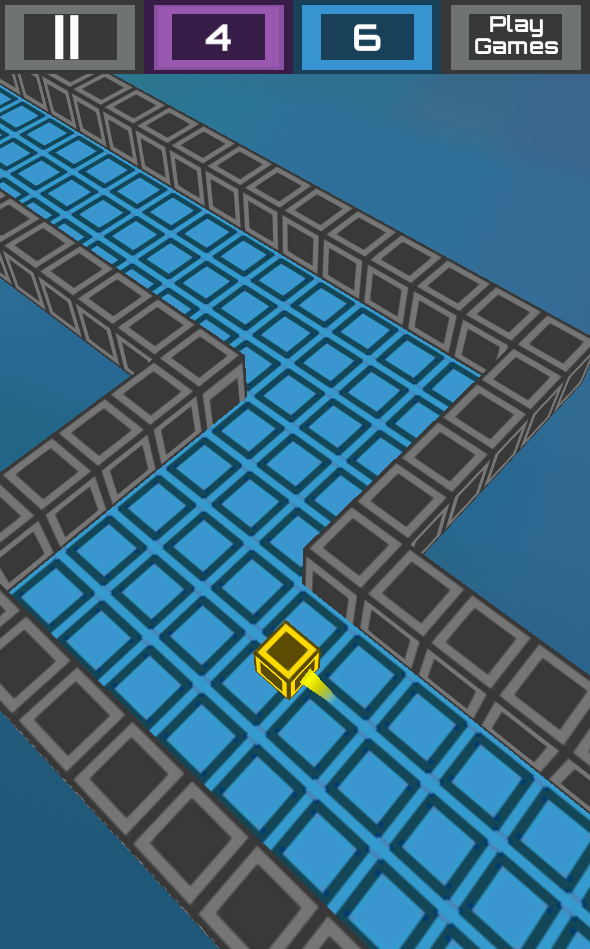
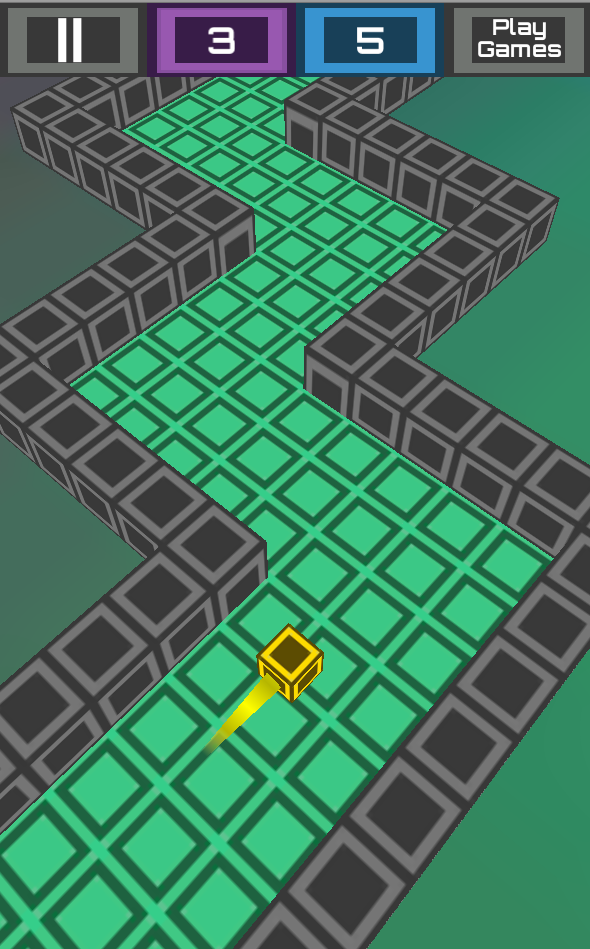
Heres is the snapshot from mobile...  


New Indie game Tappy Cricket Lite just launched

Proud to announce my new indie game Tappy Cricket Lite just launched for android platform in Google Play Store. This is a special launch for the India vs Pakistan match today.

Here is the simple game play video from the android device.

This game was developed using unity5.3 and also to try unity latest services. From Analytics to InApp and Ads, now all are integrated to unity5.3 itself. Just made more easy.

Have Fun Cricketting !!!

Unity Error : Animation not working with camera in android

When i am working on my new game "Tappy Cricket" in Unity 5.3.2f1, i faced the following error. Every animation works fine in editor, When taking a build it will not show in the camera inside the android.
When i tap the ball rotates in clock wise or counter clockwise. So i thought instead of writing a code to rotate it is optimized to do it in  a frame based animation using Animator component.

Questions : 
Why i am not seeing my animated object in Android?
Animation works well in Editor but not in working in Android build?

Answer:
Open the Animation Window [ctrl + 6]
Select the Object which have the Animator.
Now it shows the animations for the game object selected.
For each animation,
1 > do a right click on rotation property
2 > Select Interpolation
3> Select Quaternion

Take the build again it will fix this rotation animation issue for you Android.


#unity5tutorials.com #unityerrors


ScreenShotSaturday : 20151031


Working on the special game "Halloween Graveyard Ride" for the festival eve and here comes the #ScreenShotSaturday from android tablet.
#HappyHalloween, #HappyGaming

Are you ready for the best halloween pumpkin ride


Here comes the next game in my #indiegamedev journey to treat you for #halloween.
Get ready for the adventure and thriller Halloween Graveyard Ride this year.

The world's most fantastical, fun, family-friendly game is back and better than ever for the festive eve.
Play as Pumpkin or one of the spooky Halloween characters, ride crazy on the graveyard.
Oh, and watch out for the sudden level changes and bats!

How to play ?
Press(long 3d touch) on the screen to manipulate time and slow down the movement of player.
But this wont affect the earth rotation or create black holes.
Just you are given the privilege to manipulate time, to cross the graveyard and save pumpkins.

This is world's first 3D touch for android inside a Halloween game.
Game play changes based on how long you press the screen.
Again, It is NOT TAP, it is LONG PRESS or 3D TOUCH.

Happy Halloween!!! Experience the new game play ;-)
 
"Whenever i think of festival, trick or treat, makeups, But from now i will remember this game" 

#HappyHalloween #Thriller #Graveyard

Released my next indie game : zig zag noodles

Here comes the launch of my next android game ZigZagNoodles[ http://bit.ly/zigzagnoodlesA ].
This is the third game in my indie game development journey.
I have used tools like Unity5, Paint,net, Sublime text 2 for this game.

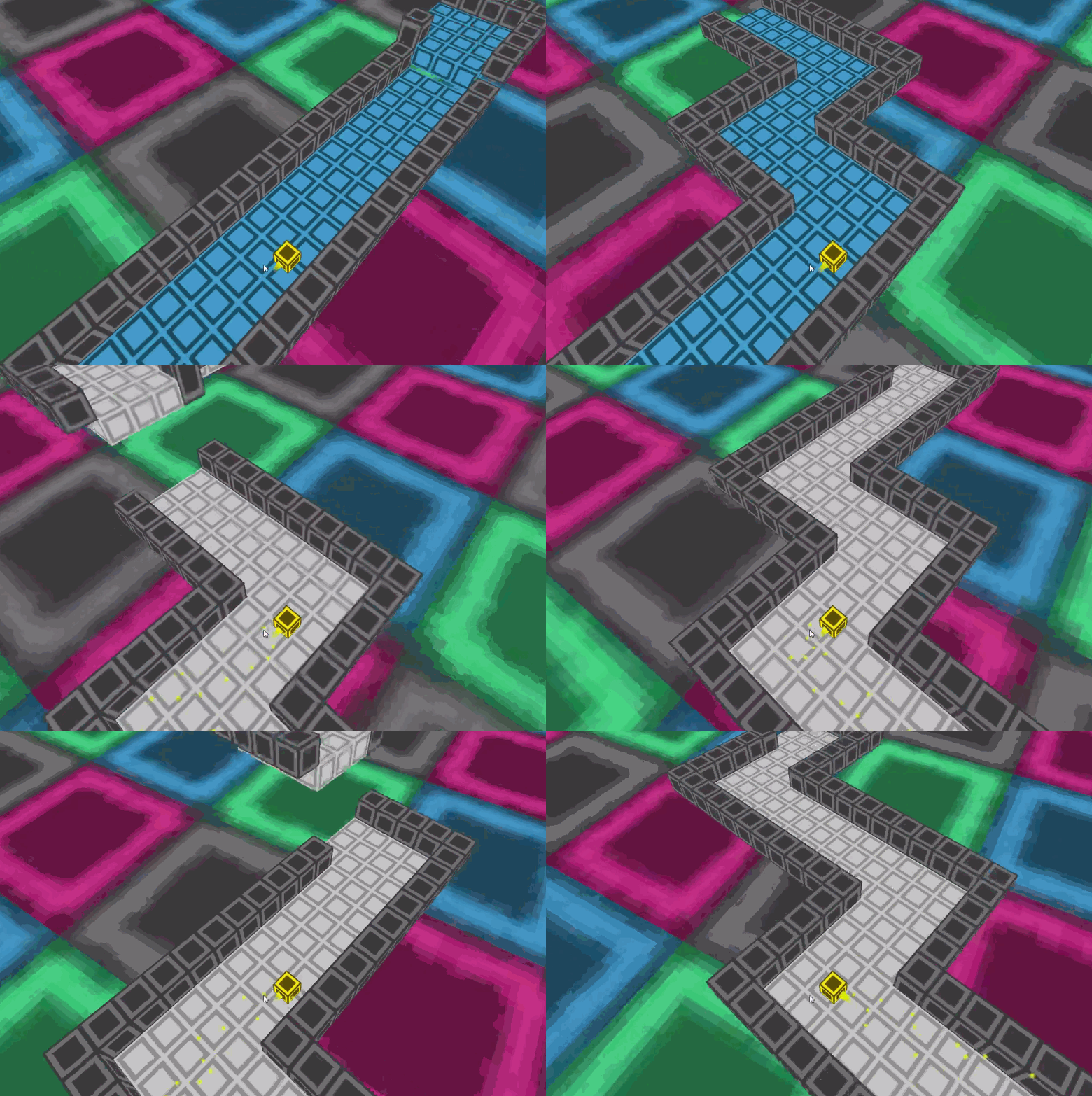
Progress started with Alpha version looked like this


Since i am using Unity 5, which is less faster than Unity 4.6 wrt mobile games. Had to go through a tough phase of optimization. Then finally came up with this Beta version which looked like this.

Then finally the polished art, added sounds, end collision effect and the final version looked like 

So i'm happy to reach the next mile stone in my indie journey.
Play the game and have fun via http://bit.ly/zigzagnoodlesA 


Next game in my indie dev journey

I am making a 3D dynamic path generation via Unity5.
So here goes the #ScreenShotSaturday image for my new game.


Started my next Indie game

Started my third #indiegame and here is image for #screenshotsaturday 

After a struggle learned a lot about the game development, business and marketing of my games. A lot of help from forums and friends made me to continue my indie game development journey to my third game. I will implement all the learning i have done in the last month in to this game. 
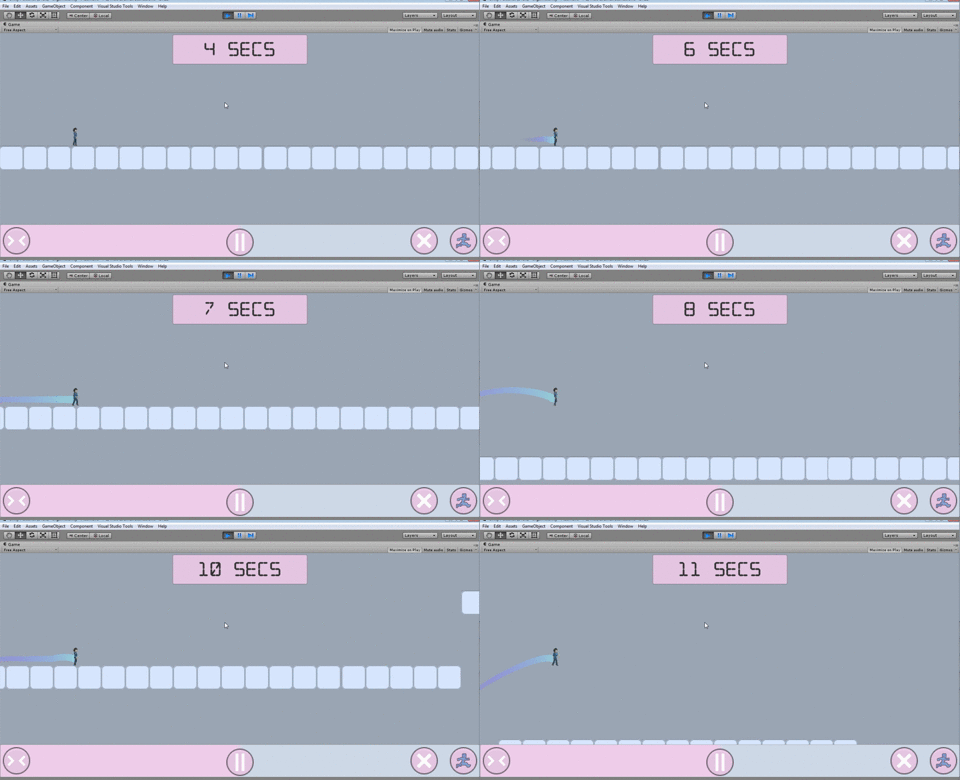
This will be a 2D platformer game along with some puzzles to give you some good challenge.

Unity5 WebGL Build Analysis

One more LIKE to unity for this Webgl port. Once if any animation, video and even images are flash in a website. As internet developed more new and better tools evolved like ajax, css3, html5, js, jquery... and as a game developer i see webgl as major development.
Plugin free game running in browser. This is one of the major feature which will game to reach a lot of people.
I had tried earlier webgl when introduced in a Linux environment with chromiu, then with three.js, now with unity 5.

Now I planned to port my Android game ZnopChains to webgl and publish the game online.
Upgraded the unity4 project to unity5, removed plugins like Unity Ads, Google play Achiments and Highscore, Soomla from the code. And fixed all errors because of this code removals.


Build SettingWebBuildSlow(fast builds)Fastest(very slow builds)
Resolution900 x 600900 x 600900 x 600
Publishing setting


WebGL Memorysize
256256
Enable ExceptionsYesNoneNone
Data Caching
offoff
WebGl Template
MinimalMinimal


Result


TimeLess timeMore compared to webuildMore compared to slow(fast builds)
Time2.3mb144mb49.5mb


Files createdindex.htmlCompressed\fileloader.jsgzCompressed\fileloader.jsgz

ZnopChains.unity3dCompressed\Html5.datagzCompressed\Html5_Fastest.datagz


Compressed\Html5.html.memgzCompressed\Html5_Fastest.html.memgz


Compressed\Html5.jsgzCompressed\Html5_Fastest.jsgz


Compressed\UnityConfig.jsgzCompressed\UnityConfig.jsgz


Release\fileloader.jsRelease\fileloader.js


Release\Html5.dataRelease\Html5_Fastest.data


Release\Html5.html.memRelease\Html5_Fastest.html.mem


Release\Html5.jsRelease\Html5_Fastest.js


Release\UnityConfig.jsRelease\UnityConfig.js


.htaccess.htaccess


index.htmlindex.html


FYI the above is not development builds.. 

These are the main files reason for the size reduction
Compressed\Html5_Fastest.jsgz
Release\Html5_Fastest.js

For Android out APK Size = 20mb


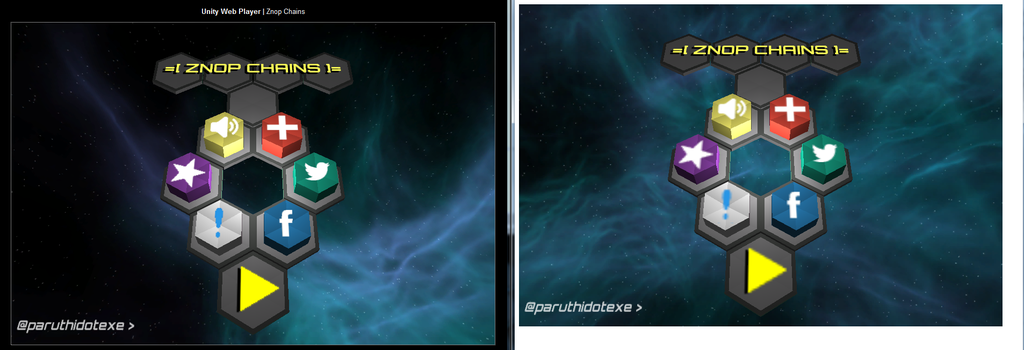
Image ref
Left side Web build vs Webgl build at rightside


Supports : Desktop versions of Firefox and Chrome
Not supported:(from unity site)
  •     Runtime generation of Substance textures
  •     MovieTextures
  •     Networking other then WWW class
  •     Support for WebCam and Microphone access
  •     Most of the non-basic audio features (anything beyond basic positional playback of audio is not supported).
  •     Script debugging
  •     Threads    Any .NET features requiring dynamic code generation (just as on other AOT platforms like iOS)
  •     Runtime GI
Tip : work with "Slow(fast builds)"  and release with "Fastest(very slow builds)"


Upcoming more on webgl and unity5 topics like how to publish a unity webgl game online, how to run unity5 build on chrome...